🚫 Bypass Windows 11 Internet Requirement for Setup
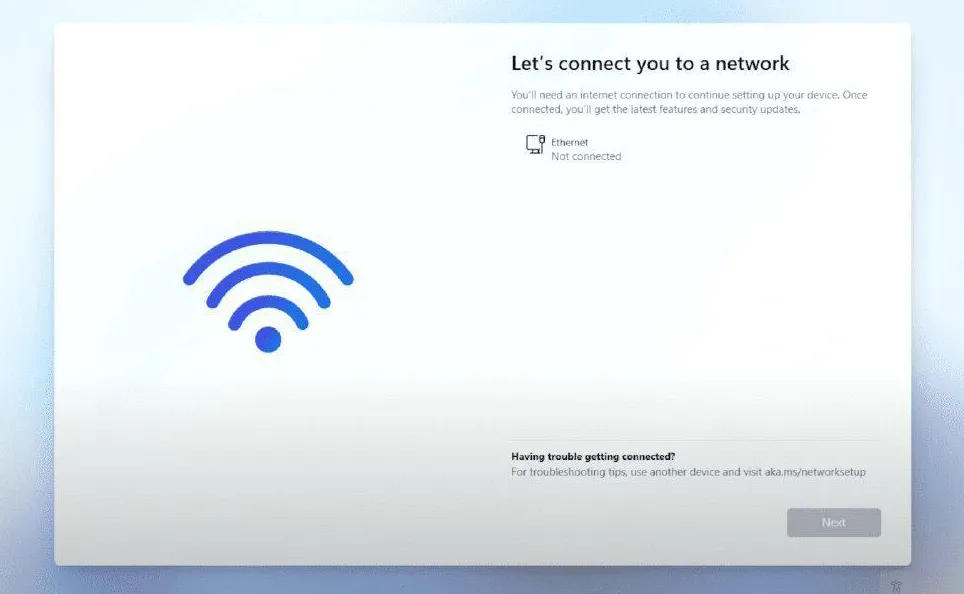
⌨️ 1. SHIFT + F10
Press SHIFT + F10 to bring up the command prompt window.
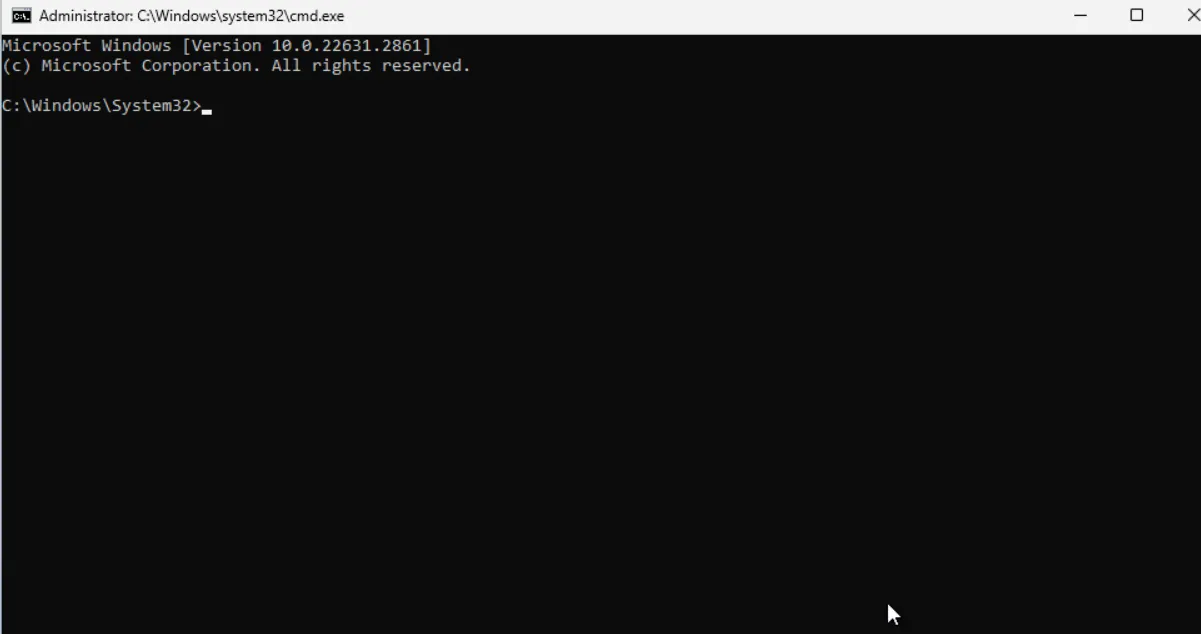
Tip
Tip: Use the on screen hypervisor "Soft Keyboard" if needed.
🌐 2. BYPASSNRO
Enter the following command and reboot the machine:
OOBE\BYPASSNRO
✅ Outcome
After successful execution, the system will restart and restart the OOBE (Out-of-Box Experience) session box:
-
when you reach the Let's connect you to a network screen, click "I don't have Internet".
-
continue to click "limited setup", accept the license agreement and then create a local user account.